Activate the Trial Cloud Localization Service
Users who are using the Mega service for the first time can apply for a trial activation in the EasyAR console. Each account can only create one trial Mega service.
The trial package includes resource quotas such as 1 mapping task project, 2 cloud localization libraries, and 3 concurrent request QPS. For details, please refer to the package description in Introduction to Mega Localization Service.
Note
For users who have already activated the Mega service (including trial or paid), the "Try Mega" entry will no longer be displayed in the upper right corner of the console. If you need to continue using or expanding the service, please contact EasyAR's business team or refer to the purchase process in Manage Localization Libraries.
Before You Start
- Visit the EasyAR Development Center and complete the login.
- Confirm that the current account has not created a Mega service yet.
Activation Steps
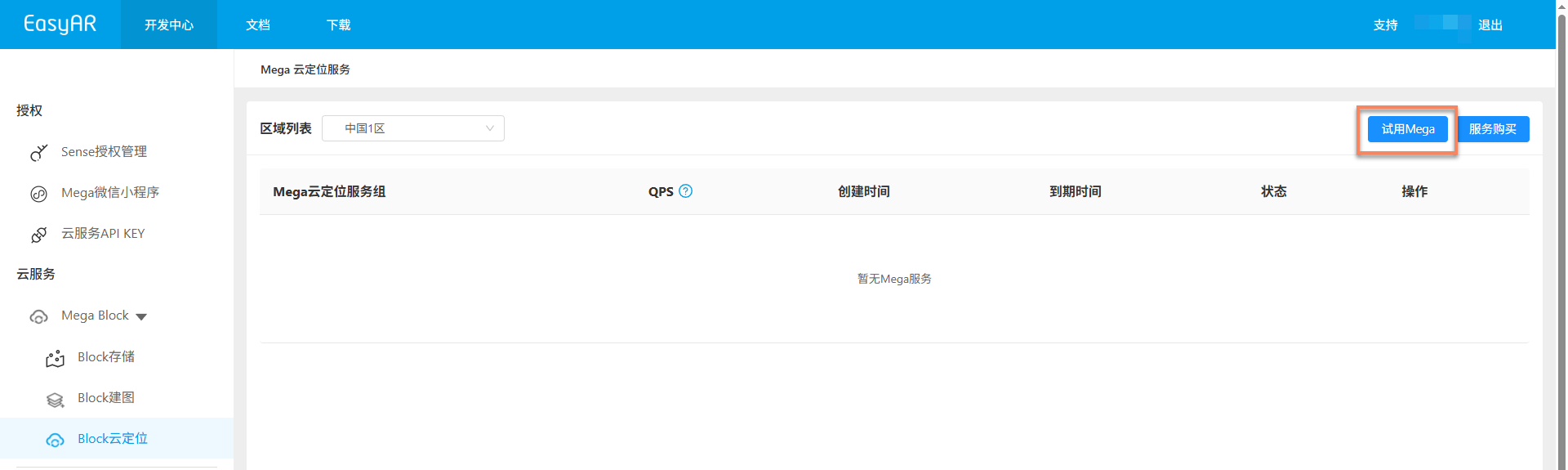
1. Click "Try Mega"
On the upper right corner of the console page, click the Try Mega button.
Important
This entry is only visible to accounts that have not activated the Mega service yet. If you have already created a Mega service, please skip this page and directly refer to Configure Localization Libraries to complete the subsequent configuration.
2. Select the Service Region
In the pop-up dialog box, carefully select the region where you want to create the Mega service. The selected region will affect the deployment location of the cloud localization computing nodes. Please make your selection based on the operating region of your AR product and your network latency requirements.
After making your selection, click Confirm.

3. Fill in the Service Information
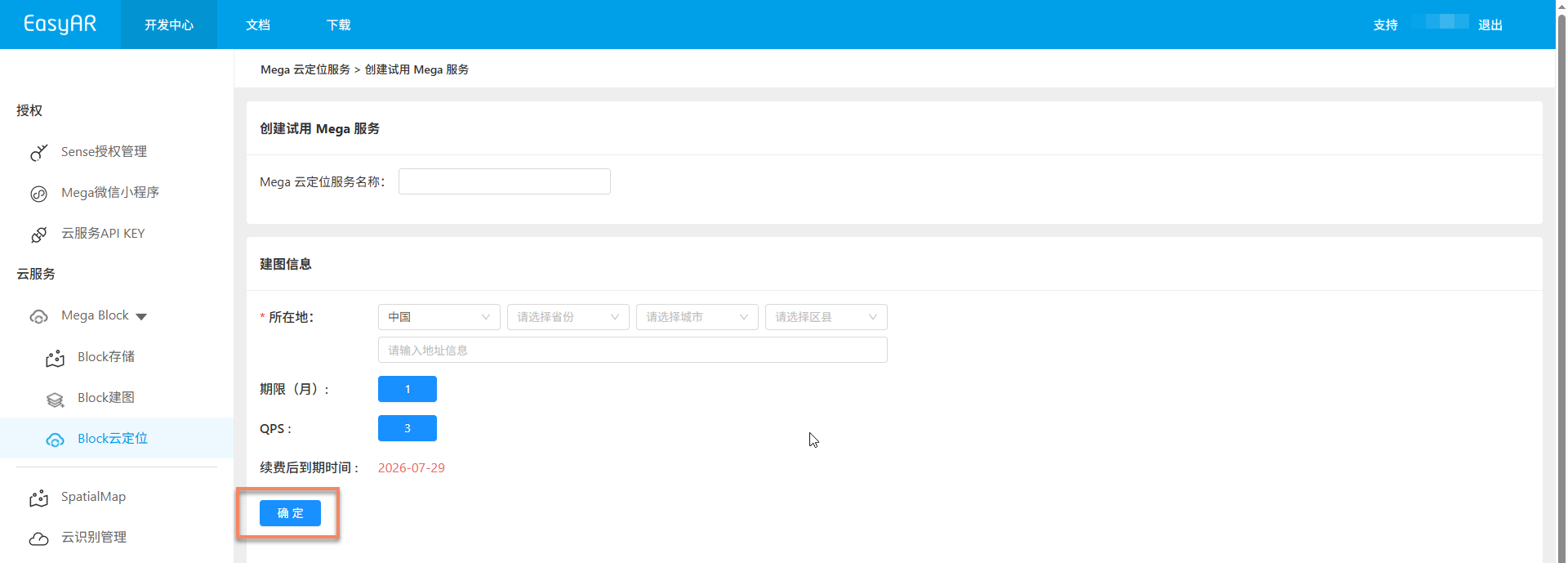
Fill in the following information on the page:
- Name of the Mega Cloud Localization Service: Used to identify this trial service, making it easier to recognize and manage in the console later.
- Location Information of the Mapping Site: Fill in the geographical location corresponding to the Mega Block mapping task.
After filling in all the information, click OK to complete the activation of the trial Mega cloud localization service.
After Activation
After the trial service is successfully created, you can view the service group and cloud localization libraries in the console. After completing Mapping, you can continue to complete the following configurations:
- Add a Mega Block to the Cloud Localization Library
- Quickly verify the localization service through Mega Toolbox